
Look at the visible top results for starting a YouTube channel from scratch in the United States and a pattern shows up. The list is dominated by video results and user-generated threads on Quora and Reddit, with only one conventional blog article in the visible set. People are learning this topic by watching other creators and by asking strangers in forums. Neither path hands you a calendar. This article gives you one: a four-week structure that takes you from a blank slate to a channel with published videos, a repeatable filming routine, and a plan for month two.
One caveat before the plan. Platform rules, monetization requirements, and creator tools change constantly, and nothing in the sources behind this article states current requirements. Where rules matter, verify them directly in YouTube's own Help Center rather than trusting any tutorial, including this one.
What the first 30 days actually need to accomplish
A first month is not about growth. It is about proving to yourself that you can finish things. Most people who start a channel quit in the planning stage, long before a single video is uploaded.
By day 30, a realistic set of outcomes looks like this:
- You have a channel with a name, a clear description of what it covers, and basic profile information filled in.
- You have built a small library of published videos rather than a folder of unfinished drafts.
- You have been through the full cycle of planning, filming, editing, and publishing at least several times, so the process is no longer unfamiliar.
- You know which part of the workflow you enjoy and which part you dread, which tells you what to improve or outsource later.
- You have a list of ideas queued for month two.
Notice what is missing from that list: subscriber counts, view targets, and revenue. Those depend on factors outside your control in month one, and chasing them early tends to produce panic decisions rather than good videos.
Week 1: Choose a topic and build your first slate of ideas
The first week is entirely planning, and that is not a delay. The one visible blog article in the top results, a post on Soundstripe's site, frames starting a channel as a structured multi-step process that opens with two planning tasks before anything gets filmed: coming up with video concepts and series ideas, and then making a shot list.
Pick a subject you can sustain without burning out
A thread on r/YouTube_startups titled "Starting a new channel... where to begin?" gives the most practical advice in the whole visible result set: choose something you can make lots of content for without getting bored or burnt out. That single filter eliminates most bad channel ideas.
Test your topic against three questions. Can you name twenty videos you would genuinely enjoy making about it? Would you still be interested in the subject after making those twenty? Can you explain it to someone in one sentence without hedging? A topic that fails any of these is not a character flaw, it is just a topic that will stall around video six.
Resist the urge to pick something purely because it seems popular. A crowded topic you have no appetite for will beat you faster than a modest topic you love.
Turn the topic into series, not one-off videos
Series ideas are what separate a channel from a random collection of uploads. If your topic is home cooking, a series might be "one pan dinners" or "cooking for one." If it is fitness, it might be "form checks for beginners." A series gives viewers a reason to watch a second video and gives you a shortcut every time you sit down to plan.
Aim for two or three series in week one. That is enough variety to keep yourself interested and enough consistency for the channel to feel like it has an identity.
Write a shot list before every filming session
The second planning step in the Soundstripe breakdown is making a shot list, and it earns its place. A shot list is a plain list of what you need to capture: the opening line to camera, the close-ups of the thing you are demonstrating, the wide shot of your workspace, the screen recording. When you finish shooting, you tick items off.
This matters most for beginners because filming without a list produces two predictable problems: footage that cannot be edited into a coherent video, and a second filming session to capture what you missed.

Week 2: Set up the channel and shoot your first videos
Week two is split between the setup tasks you only do once and the filming that you will repeat forever.
Channel setup, done properly rather than perfectly
You will create your channel through your Google account, choose a channel name, and fill in the profile fields such as description and links. The specific screens and options shift over time, so work from YouTube's current help documentation rather than a screenshot from an old tutorial. Two decisions are worth slowing down for.
First, the name. Say it out loud, check that it is easy to spell after hearing it once, and leave yourself room to expand. A name tied to one narrow format can become a cage within a year. Second, the description. Write it for a human deciding whether to subscribe, not for a search engine. One or two sentences on what the channel covers and who it is for is plenty.
Build a filming routine you can repeat
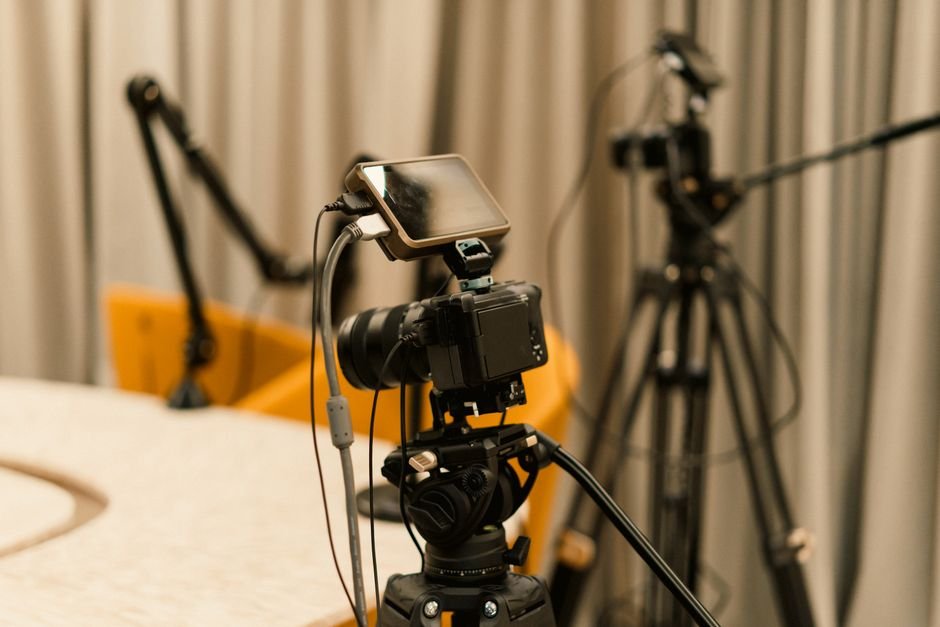
Consistency in month one comes from routine, not motivation. Pick a filming day and a filming time, and treat it as fixed. Batch your filming so that one session produces the raw material for more than one video. Set up your space once and leave it set up, so starting a session takes minutes instead of an hour.
On equipment, there is no need to solve this in week two. The visible sources behind this article contain no equipment, software, or budget guidance at all, which is a useful reminder that gear is not what is holding a first-month channel back. Start with what you already own and upgrade only when a specific limitation is costing you a specific video.
Week 3: Edit, publish, and start using Shorts
Week three is where the channel becomes real, because publishing is the step beginners most often postpone.
Edit with the opening in mind
The opening of your video has one job: confirm that the person who clicked got what the title and thumbnail promised. Cut anything before that moment. Most first edits are too long at the front, not too long at the end.
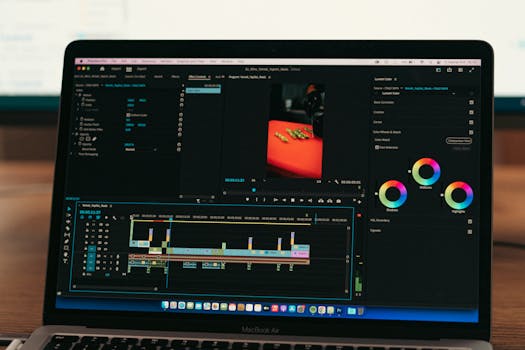
Keep your first editing pass simple. Trim the dead air, remove the false starts, add whatever simple titles or captions carry the information, and stop. A published video that is 80 percent of what you imagined beats an unpublished one that is 100 percent.
Use Shorts to point people to your long-form videos
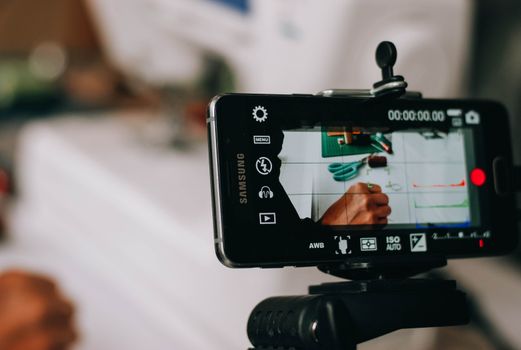
The same r/YouTube_startups thread recommends using Shorts to market long-form content by pointing viewers toward the full videos. Treat Shorts as a promotional layer rather than a replacement. Pull one strong moment from a long video, make it work on its own, and let it lead back to the full piece.
Two or three Shorts per published long-form video is a reasonable rhythm for month one. If a Short does well, resist rewriting your whole strategy around it before you have more than a handful of data points.
Week 4: Review, tighten the process, and plan month two
The last week of the month is for honest review, and the most useful review is not a dashboard. Watch your own videos start to finish without pausing and note the exact moments you wanted to click away. Those moments are your editing brief for next month.
Then review your workflow rather than your results. Which step ate the most time? Which step did you skip? Which video did you most enjoy making, and which one felt like a chore? If one series consistently feels like a chore, that is your signal to retire it. If one felt easy, make more of it.
Close the month by planning the next batch of videos with the same structure you used in week one: series ideas first, then shot lists. The second month should feel noticeably faster than the first, because the unfamiliar steps have become routine.
How the visible sources frame the first steps
Two sources in the visible result set carry the substantive advice, and they emphasize different starting points. That difference is worth understanding rather than resolving, because both points matter.
| Source | How it frames starting out |
|---|---|
| Soundstripe blog post | A structured multi-step process; the first two steps are coming up with video concepts and series ideas, then making a shot list. |
| r/YouTube_startups thread | Pick a topic you can produce lots of content for without getting bored or burnt out, and use Shorts to market your long-form videos. |
| Video results | Beginner guides and tips videos rank well for this query; no descriptions were available to draw claims from. |
| Quora threads | Multiple question threads rank for this topic; only the questions were available, not the answers. |
The practical takeaway is that planning and sustainability are two halves of the same decision. Choose a topic you can live with, then apply a structure to it so the work does not depend on daily inspiration.
Mistakes that cost beginners the first month
- Waiting for better equipment before publishing anything, when the first videos exist mainly to teach you the process.
- Choosing a topic so narrow that you run out of ideas by week three, or so broad that the channel has no identity.
- Skipping the shot list, then discovering during editing that a key piece of footage does not exist.
- Editing the same video for weeks instead of publishing and moving to the next one.
- Judging the whole project on the performance of the first few uploads, which tell you very little.
- Building the channel around a trend rather than a subject you would still care about in a year.
What to confirm with official sources
Several topics that beginners search for are not covered by the material behind this article, and you should not take any tutorial's word on them. Monetization eligibility, revenue, copyright and fair use, community guidelines, and any current platform features are all defined by YouTube itself and change over time. Check YouTube's official help documentation for anything that affects your account standing or your ability to earn, and treat that documentation as the source of truth over any blog post or video.
Frequently Asked Questions
How long does it take to set up a YouTube channel?
The setup tasks themselves are short: creating the channel through your Google account, choosing a name, and filling in your profile. The slow part is deciding what the channel is about and what you will publish first. Plan to spend most of your first week on that decision rather than on settings, because the topic choice determines whether you are still uploading in month three.
How many videos should I publish in my first month?
There is no single correct number, and no source in the material behind this article states a recommended posting frequency. A better target is finishing the full cycle repeatedly, so that planning, filming, editing, and publishing stop feeling unfamiliar. Pick a number you can genuinely complete alongside your other commitments, then protect that commitment. Four finished videos beat ten abandoned drafts.
Do I need expensive equipment to start a channel?
Nothing in the visible sources offers equipment or budget guidance, so treat gear recommendations with caution. What matters more in month one is a repeatable routine and a shot list that tells you what to capture. Start with what you already own, and only upgrade when a specific limitation is preventing you from making a specific video you want to publish.
Should I make Shorts or long-form videos first?
The advice in the r/YouTube_startups thread points toward using Shorts to market long-form videos rather than choosing one format exclusively. A workable month-one approach is to publish long-form videos as your main content and pull one strong moment from each into a Short that leads viewers back to the full video. Adjust once you have real feedback to work from.
When can I start making money from YouTube?
Monetization requirements are set by YouTube and change over time, and no source in the material behind this article states any threshold, eligibility rule, or revenue figure. Check YouTube's official help documentation for current requirements rather than relying on tutorials or forum estimates. In month one, focus on publishing consistently and learning the process, which is the part you control.