
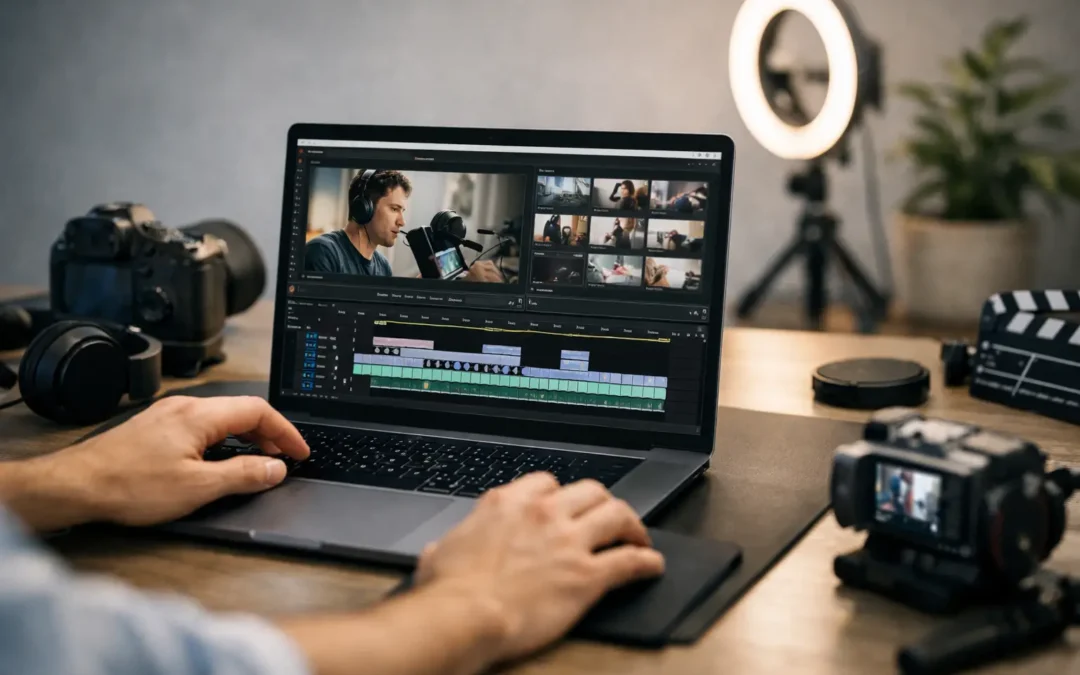
If you are staring at a timeline for the first time, the best video editing software for YouTube beginners is not the one with the most features. It is the one that helps you finish videos consistently, learn fast, and avoid turning editing into the reason you stop posting. For most new creators, that means choosing software based on ease of use, device compatibility, and how quickly you can build a repeatable workflow.
That matters more than most beginners realize. A lot of creators assume better software automatically means better videos. Usually, better systems beat better tools. If your editor feels confusing, crashes on your laptop, or hides basic tasks behind a dozen menus, your upload schedule suffers. And on YouTube, consistency often does more for channel growth than fancy transitions ever will.
How to choose the best video editing software for YouTube beginners
Start with your actual situation, not with what large creators use. A beginner editing talking-head videos, tutorials, vlogs, or product explainers does not need the same setup as a full production team. You need an editor that handles trimming, audio cleanup, text, basic color correction, and exports that look clean on YouTube.
The real decision usually comes down to four things: learning curve, computer performance, budget, and content style. If you make simple videos with light cuts, an easy editor can be the smartest move. If you want room to grow into more advanced edits, choosing software with a slightly steeper learning curve may save you from switching later.
There is always a trade-off. The easiest editor may have limited control. The most powerful one may slow you down for the first few months. The best choice depends on whether your priority is speed now or flexibility later.
Best video editing software for YouTube beginners: top picks
CapCut
CapCut is one of the easiest starting points for new YouTubers, especially if you already create short-form content. The interface is approachable, the learning curve is light, and it gives beginners fast access to cuts, captions, effects, music, and templates.
Its biggest strength is momentum. You can install it, learn the basics quickly, and publish without feeling buried by technical settings. That makes it a strong fit for creators who want to focus on content ideas and posting consistency first.
The trade-off is that it can feel a little template-driven, and some creators outgrow it as their editing style becomes more custom. Still, if you need something simple that works for both short and long videos, CapCut is a very practical place to begin.
iMovie
For Mac users, iMovie remains one of the most beginner-friendly options available. It is clean, stable, and built for people who want to make solid videos without learning a professional editing suite on day one.
It handles the essentials well: trimming clips, adding music, placing titles, and exporting in a YouTube-friendly format. If your content is based on straightforward storytelling, commentary, tutorials, or small business videos, iMovie can do more than many people expect.
Its limitation is obvious once your editing needs grow. You may eventually want more control over audio, layering, motion graphics, and color work. But for starting a channel on a Mac, iMovie is hard to dismiss because it removes friction.
DaVinci Resolve
DaVinci Resolve is often recommended because it gives beginners access to professional-level editing without forcing them into a paid subscription immediately. That sounds almost too good, and in many ways it is. You get powerful editing tools, excellent color controls, strong audio features, and real long-term growth potential.
The catch is that Resolve asks more from both your computer and your patience. It is not the fastest editor to learn if you have never touched a timeline before. On older machines, it can also feel heavy.
Even so, it is a smart choice for beginners who are serious about leveling up and do not want to switch platforms later. If your goal is to build editing as a long-term skill, Resolve gives you room to grow far beyond basic cuts.
Adobe Premiere Elements
Premiere Elements sits in a middle zone that works well for some beginners. It is easier to approach than Adobe Premiere Pro, but still offers more structure and control than ultra-simple editors.
This makes it useful for creators who want guided editing tools without feeling locked into a stripped-down app. It can be a good match for YouTube beginners making educational content, business videos, or channel content that needs a polished but not overly complex finish.
Its main challenge is value. Depending on your needs, you may find a free option good enough or decide that learning a more advanced editor is worth the extra effort. Premiere Elements works best for people who want a manageable step up from entry-level software.
Filmora
Filmora is popular with beginners for a reason. It is designed to feel simple while still offering enough effects, text controls, audio tools, and drag-and-drop editing features to make videos look more polished quickly.
For new creators, that balance can be appealing. You can produce tutorial videos, reaction videos, gaming content, and lifestyle content without spending weeks learning the software. It also tends to feel less intimidating than pro-level editors.
The trade-off is that experienced editors sometimes find it limiting, especially once they want more precise control. But if your main goal is to create better-looking videos fast, Filmora is one of the most accessible options.
Final Cut Pro
Final Cut Pro is not always the first recommendation for total beginners, mostly because it is paid software and only available on Mac. But for creators already using Apple hardware who want speed and room to grow, it can be a strong investment.
It is faster to learn than some high-end alternatives, and it performs well on Mac systems. That matters when you are editing regularly and trying to keep your upload schedule realistic. A responsive editor helps beginners stick with the process.
The question is timing. If you are testing YouTube for the first time, free software may make more sense. If you already know you are committed and want a long-term editing home on Mac, Final Cut Pro is worth serious consideration.
Which editor is best for your type of channel?
If you are starting a talking-head channel, commentary channel, or educational brand channel, ease of editing matters more than visual complexity. CapCut, iMovie, or Filmora will usually be enough. These let you focus on cleaner cuts, readable text, and clear audio, which do more for viewer retention than flashy effects.
If you are building a gaming, cinematic vlog, or documentary-style channel, you may outgrow beginner editors faster. DaVinci Resolve or Final Cut Pro can make more sense because they support more advanced pacing, sound design, and visual control.
If you are a small business owner using YouTube for marketing, simple and efficient usually wins. You do not need a film studio. You need a tool that helps you publish useful videos consistently, maintain brand quality, and avoid wasting hours on avoidable editing friction.
What beginners usually get wrong
A common mistake is choosing software based on what looks impressive in reviews instead of what fits their current workflow. Another is overvaluing effects and undervaluing speed. Your audience cares more about whether your video is clear, engaging, and easy to follow than whether it contains advanced animation.
Beginners also underestimate the importance of audio. Almost any editor on this list can produce acceptable visuals for YouTube. Bad audio is what makes videos feel amateur fast. So when comparing editing software, pay close attention to how easy it is to adjust volume, remove noise, and keep dialogue clear.
There is also the upgrade trap. Some creators switch software too early, believing a different tool will solve weak retention or low views. Usually, content strategy, packaging, and viewer targeting matter more. Editing software supports growth, but it does not replace strong topics, thumbnails, or audience clarity.
The smartest choice for most new creators
If you want the simplest answer, CapCut or iMovie are usually the easiest places to start, Filmora is a strong middle-ground option, and DaVinci Resolve is the best long-term pick for ambitious beginners willing to learn. Final Cut Pro makes the most sense for committed Mac users, while Premiere Elements fits creators who want a guided step up without going fully pro.
The smartest move is to choose one editor and stay with it long enough to build real editing speed. That is where confidence starts. At Tubeskill, we see this often: creators grow faster when they stop hunting for the perfect tool and start building a repeatable creation process around a good-enough one.
Pick the editor that makes your next ten uploads feel possible, not the one that makes you feel like you need another month of tutorials before you can press export.